

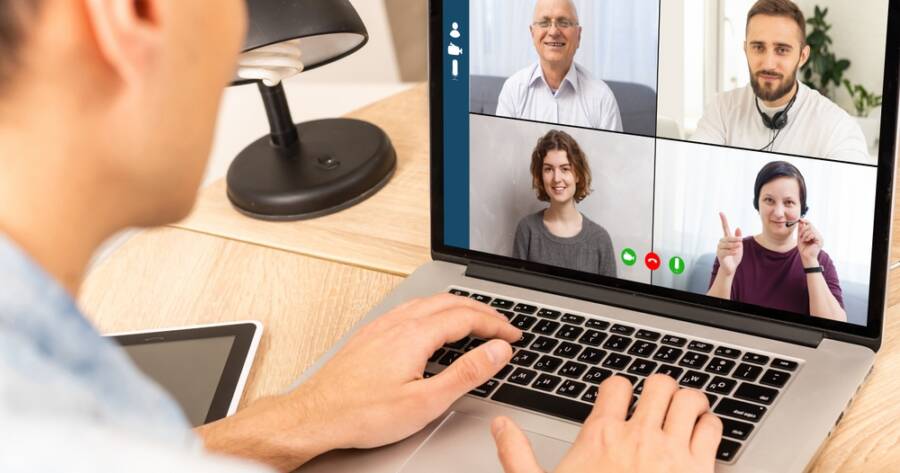
Managing a remote team comes with unique challenges. Without a shared office, communication, organization, and accountability can become harder to maintain. Teams may struggle with missed messages, unclear priorities, or lack of connection. The right tools can solve many problems by creating structure and improving visibility. By choosing simple and reliable platforms, businesses can keep remote teams aligned, productive, and connected without adding unnecessary complexity to daily work.
Communication Tools That Keep Teams Connected
Clear communication is the foundation of any remote team. Tools like Slack and Microsoft Teams are widely used because they allow instant messaging, group discussions, and file sharing in one place.
These platforms help reduce email overload and keep conversations organized by topic or project. Teams can create channels for different departments or tasks, making it easier to find information quickly. Video tools like Zoom also play an important role by supporting face-to-face meetings, which help build stronger team relationships.
Project Management Tools for Clear Task Tracking
Remote teams need a clear way to track tasks and responsibilities. Project management tools like Asana and ClickUp provide a structured way to organize work and monitor progress.
These tools allow teams to assign tasks, set deadlines, and track updates in real time. Visual boards and lists make it easy to see what needs to be done and who is responsible. This reduces confusion and helps ensure that projects move forward without constant check-ins.
File Sharing and Collaboration Platforms
Working remotely often means sharing documents and collaborating across different locations. Tools like Google Drive and Dropbox make it easy to store, access, and share files from anywhere.
Google Workspace also allows multiple people to work on the same document at the same time. This real-time collaboration reduces delays and improves efficiency. Having a central place for files ensures that everyone is working from the most current version.
Time Management and Productivity Tools
Tracking time and staying focused can be more challenging in a remote environment. Tools like Toggl and Clockify help teams monitor how time is spent on tasks and projects.
These tools provide insights into productivity without being overly intrusive. They can help identify where time is being used effectively and where adjustments may be needed. Simple tracking systems support better planning and help teams stay accountable.
Tools for Scheduling and Coordination
Coordinating schedules across different time zones can be difficult. Tools like Calendly and Google Calendar help simplify this process by allowing team members to share availability and schedule meetings easily.
These tools reduce the back-and-forth often involved in planning meetings. They also help teams stay organized by keeping all events and deadlines in one place. Clear scheduling supports smoother communication and better time management.
Building Team Engagement with the Right Tools
Remote work can sometimes feel isolating, so it is important to maintain team connection. Tools like Donut (for Slack) or simple team chat features can help create casual interactions and strengthen relationships.
Regular check-ins and informal conversations can improve morale and collaboration. While these tools may seem small, they play an important role in building a positive team culture. A connected team is more likely to stay engaged and productive.
Choosing Tools That Fit Your Workflow
Not every team needs every tool. The key is to choose a small set of platforms that work well together and support your workflow. Too many tools can create confusion and slow down communication.
Start by identifying your main needs, such as communication, task management, or file sharing. Then choose tools that address those needs without adding unnecessary complexity. A simple system is easier to maintain and more effective over time.
Avoiding Common Remote Management Mistakes
One common mistake is relying too heavily on tools without clear processes. Even the best platforms cannot replace clear expectations and communication. Teams need guidelines on how and when to use each tool.
Another issue is over-monitoring productivity. While tracking tools can be helpful, too much oversight can reduce trust. Balancing accountability with flexibility helps create a healthier work environment.
Creating a Strong Remote Work System
Managing remote teams effectively requires the right mix of tools and structure. By focusing on communication, task management, and collaboration, businesses can create a system that supports productivity and connection.
The goal is to keep things simple and consistent. With the right tools in place, remote teams can work smoothly, stay aligned, and achieve their goals without the need for constant oversight.